01
Verified by Apple
The installer carries a Developer ID signature and Apple notarisation.
Install Transcribe Dial for Mac, connect the Dial and dictate directly at your cursor. The Dial itself does not need Wi-Fi.
Explore the installation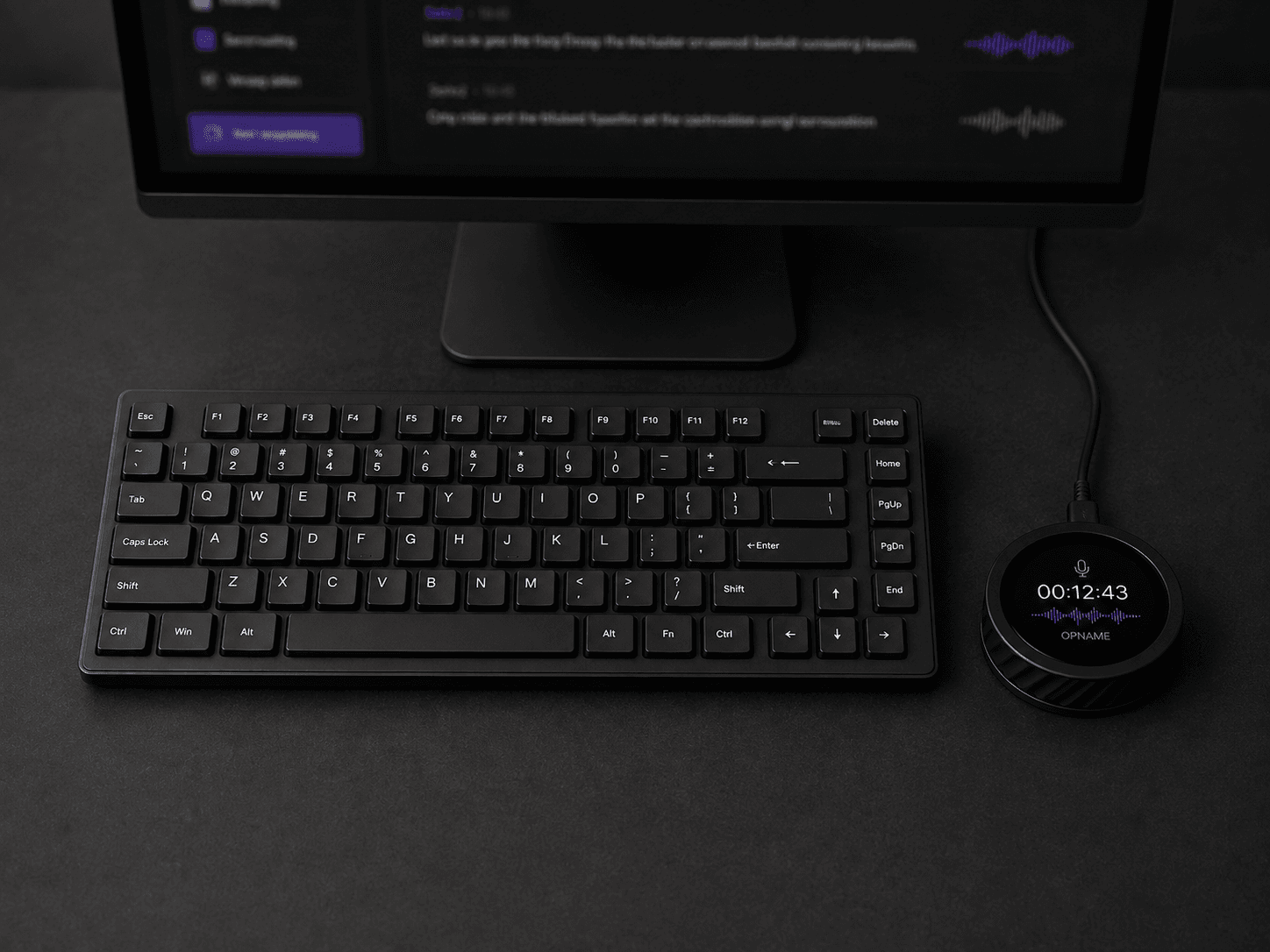
Version 0.2.4 · macOS 13+ · Apple silicon
The installer carries a Developer ID signature and Apple notarisation.
After installation, Transcribe Dial checks for signed updates itself.
The app opens only the authenticated Transcribe Dial, not your other USB devices.
The first setup takes three short steps. After that the Dial is recognised automatically.
 MAC APP + YOUR DIAL
Open the installation package and follow the short macOS setup.
Enable Accessibility so text can be placed directly at your cursor.
The app recognises the Dial and the normal interface appears immediately.
ONE INSTALLATION · THEN AUTOMATICALLY CONNECTED
For security, macOS does not let a new USB device download or install software. The first installation is therefore a deliberate click from this page.
Afterwards Transcribe Dial starts when you sign in and recognises the Dial immediately. Processing runs on your office server or in Operations Labs' private EU cloud.